
How to get a PSA electronic birth certificate (e-Certificate) online in the Philippines
In one line
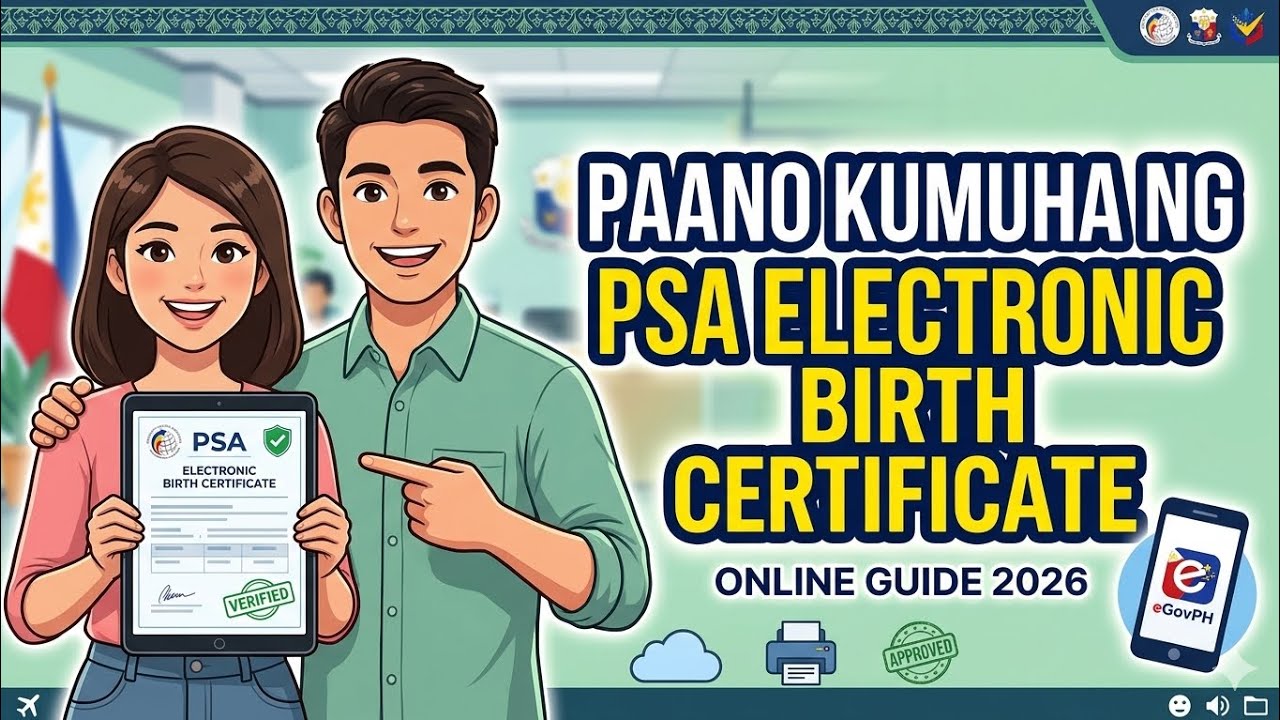
This video walks through requesting an electronic birth certificate from the Philippine Statistics Authority (PSA) on the PSA site, paying online, and receiving and downloading it by email.
💡 Key takeaways
[What it is]
• A PSA e-Certificate is a PSA-issued copy of your birth certificate requested online. The video says it is just as valid and official as a regular PSA birth certificate.
• It is used for passports, school, work, visas, banks and other government transactions, and it saves you a trip to a PSA outlet.
[How to apply]
• On the PSA site, click e-Certificate and choose Birth Certificate as the certificate type.
• The fee is said to be about PHP 290 (from auto-generated captions, so check it on the request screen).
• Choose whose certificate it is. If it is yours, select 'for myself'.
• Enter your details: full name, date of birth, place of birth, and your father's and mother's names.
• Enter the details of the person receiving it. If it is you, enter your own details.
• Choose the purpose: passport/travel, school requirement, local employment, foreign employment, late registration, marriage, claims/benefits/loans, or others.
• Review your details and click Submit.
[Payment and delivery]
• After submitting, pay online. Options mentioned are credit card, GCash, Maya, Palawan Pawnshop, BancNet and DragonPay.
• PSA is said to take about 3 days to 1 week to verify your details.
• Once verified, you receive the e-Certificate by email and can download it.
[Printing and submitting (channel owner's reply to a comment)]
• You can print the downloaded e-Certificate.
• When printing, make sure the whole document, the QR code and the details come out clearly.
• It is a good idea to check in advance whether the agency you are submitting to accepts the e-Certificate.
⏱ Chapters
00:01 What a PSA electronic birth certificate is
01:04 Certificate type, fee and entering your details
02:04 Submitting, paying and receiving it
💬 What viewers said (2 comments)
• One viewer asked whether the downloaded e-Certificate can be printed and submitted.
• The channel owner replied that it can be printed, that the QR code should be clearly visible, and that you should check whether the receiving agency accepts it.
Ma'am, after downloading it, can I print it? I need to submit it.
Comments 0
Please log into write a comment.