
How to check your Philippine teacher licensure exam (LET) rating online — PRC website steps
In one line
A short guide showing newly passed Licensure Examination for Teachers (LET) takers how to check their rating on the PRC (Professional Regulation Commission) online site using a phone or laptop.
💡 Key takeaways
[Getting in]
• Open the PRC online services site in Chrome (the address is unclear in the auto-captions, so check the exact address in the video).
• On the first screen click proceed, scroll down and tick the box agreeing to the PRC privacy notice, then click close twice.
[Entering your details]
• Under Verification, click 'click here'.
• For examination name, select or type Professional Teacher.
• Below, pick the month you took the exam and enter the year on the right.
• Enter your first name, last name, application number and birthday.
• Tick 'I'm not a robot' and click verify.
[Results screen]
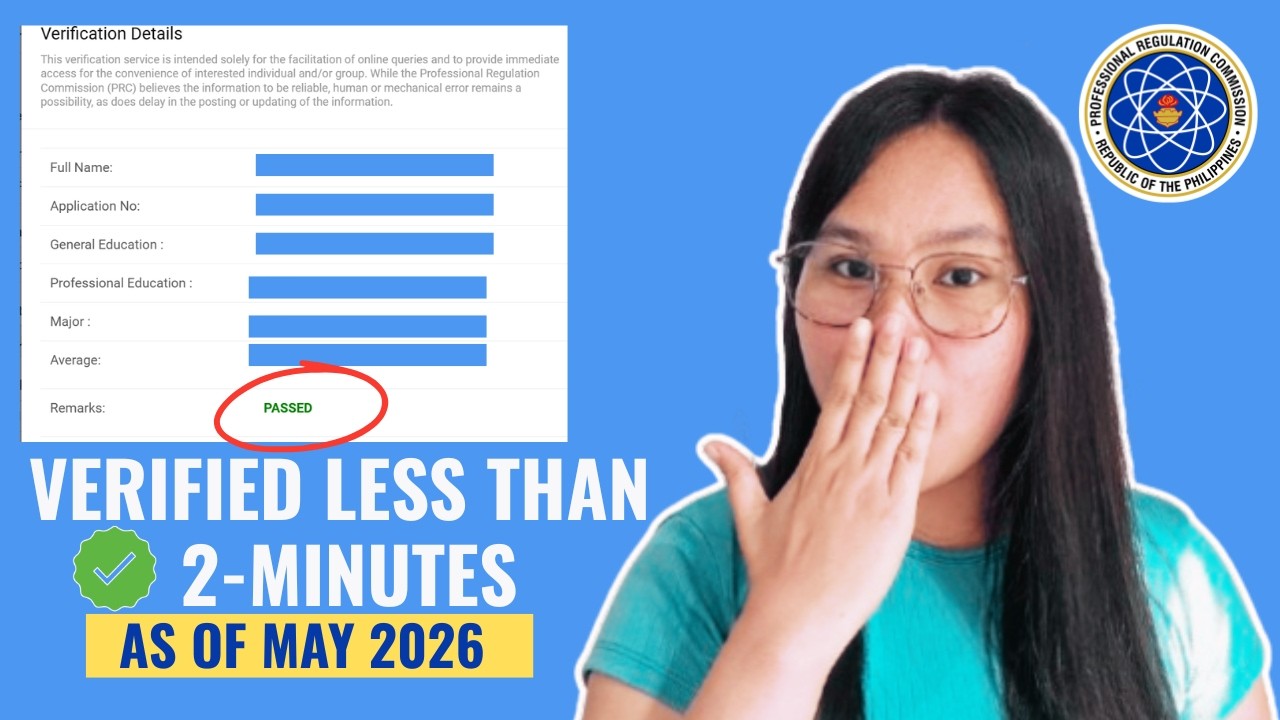
• Shows your full name, application number, General Education, Professional Education, Major score, average and remarks.
⏱ Chapters
00:06 Opening the PRC site and privacy consent
01:07 Entering exam details and verifying
02:07 What the results show
💬 What viewers said (0 comments)
• No comments yet.


Comments 0
Please log into write a comment.